
7 months ago
Top 12 Exportcomments.com Alternative Tools For YouTube in 2026
ExportComments.com has long been a go-to for exporting social media comments. But when your focus is specifically on YouTube, its generalist approach can fall short. The platform’s unique ecosystem, with threaded replies, live stream chats, community posts, and massive comment volumes, demands specialized tools. If you are a creator, marketer, or researcher, you need more than just a simple list of comments. You need context, speed, and data that is ready for analysis. Generic tools often struggle with YouTube’s scale, fail to preserve crucial conversational threads, or lack features for bulk extraction. This means you could be spending hours wrestling with incomplete data instead of uncovering valuable insights from your audience.
This guide explores 12 powerful ExportComments.com alternative solutions, each built to solve specific YouTube comment analysis challenges. From quick one-off downloads to large-scale research projects, you will find the right fit for your needs. To truly refine your content and achieve widespread reach, your comment analysis should feed directly into your broader strategies for making viral YouTube videos. We will dive into each tool, providing screenshots, direct links, and a clear breakdown of features, pricing, and best-use scenarios to help you make an informed decision and upgrade your workflow.
1. YouTube Comments Downloader
As a premier exportcomments.com alternative, YouTube Comments Downloader is a research-focused tool engineered for speed, depth, and ease of use. It turns public YouTube discussions into clean, analysis-ready datasets, making it an exceptional choice for creators, marketers, and academics who require detailed comment data without technical barriers. The platform excels at extracting comments from single videos, Shorts, live stream chats, community posts, or even entire channel inventories in bulk, providing a significant advantage for practical, large-scale projects like analyzing feedback across your entire content library.
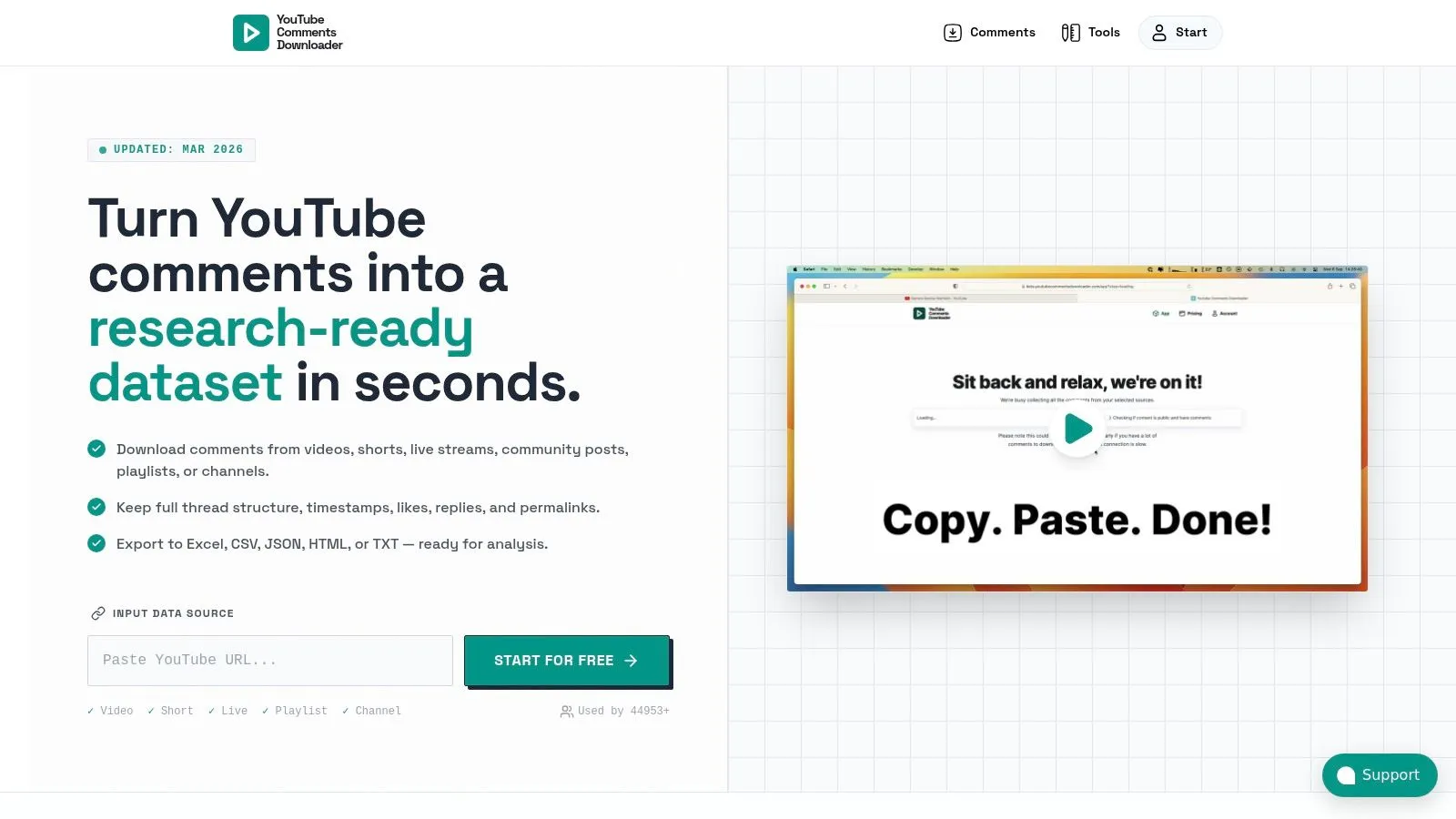
What sets this tool apart is its commitment to data integrity and usability. It preserves the complete conversation context, including threaded replies, author handles, likes, and permalinks. This allows for genuine sentiment analysis, identifying your most engaged fans, or finding frequently asked questions. Export options are designed for immediate application, with formats like XLSX for spreadsheets, CSV for databases, and a special AI-optimized TXT file ready for direct use with ChatGPT. For a deeper dive into its capabilities, you can learn more about downloading YouTube comments and the specific workflows it supports.
Core Strengths & Use Cases
- Bulk Processing Speed: Users can process thousands of videos and hundreds of thousands of comments in minutes, a testament to its queue-free architecture built for high-volume analysis.
- Rich, Contextual Data: Preserves full thread hierarchy, timestamps, and metadata, which is critical for accurate market research, competitor analysis, or academic studies.
- AI and Automation Ready: Provides a companion GPT, API access, and n8n integration, allowing data to flow directly into advanced analytical or automated workflows for tasks like summarizing audience feedback.
- No-Code Interface: Its simple, typo-tolerant search and extraction process makes it accessible for non-technical users needing to perform sophisticated data collection, like finding all comments containing a specific keyword.
Practical Considerations
The platform operates on a credit system, where one credit equals one comment, with additional fees for initiating bulk jobs. While new users receive free credits, large-scale projects require planning your credit usage. It is also important to note that the service is designed exclusively for public, non-age-restricted YouTube content. For those seeking a powerful, dedicated YouTube comment analysis tool, YouTube Comments Downloader offers an impressive combination of speed, data fidelity, and user-friendly design.
Website: youtubecommentsdownloader.com
2. Bright Data — YouTube Comments Scraper
Bright Data offers a powerful YouTube Comments Scraper designed for users who require enterprise-grade data extraction. This platform is a potential exportcomments.com alternative for businesses and researchers needing reliable, high-volume comment data for sentiment analysis or market research. It operates through a control panel or a flexible REST API, catering to both technical and non-technical users.
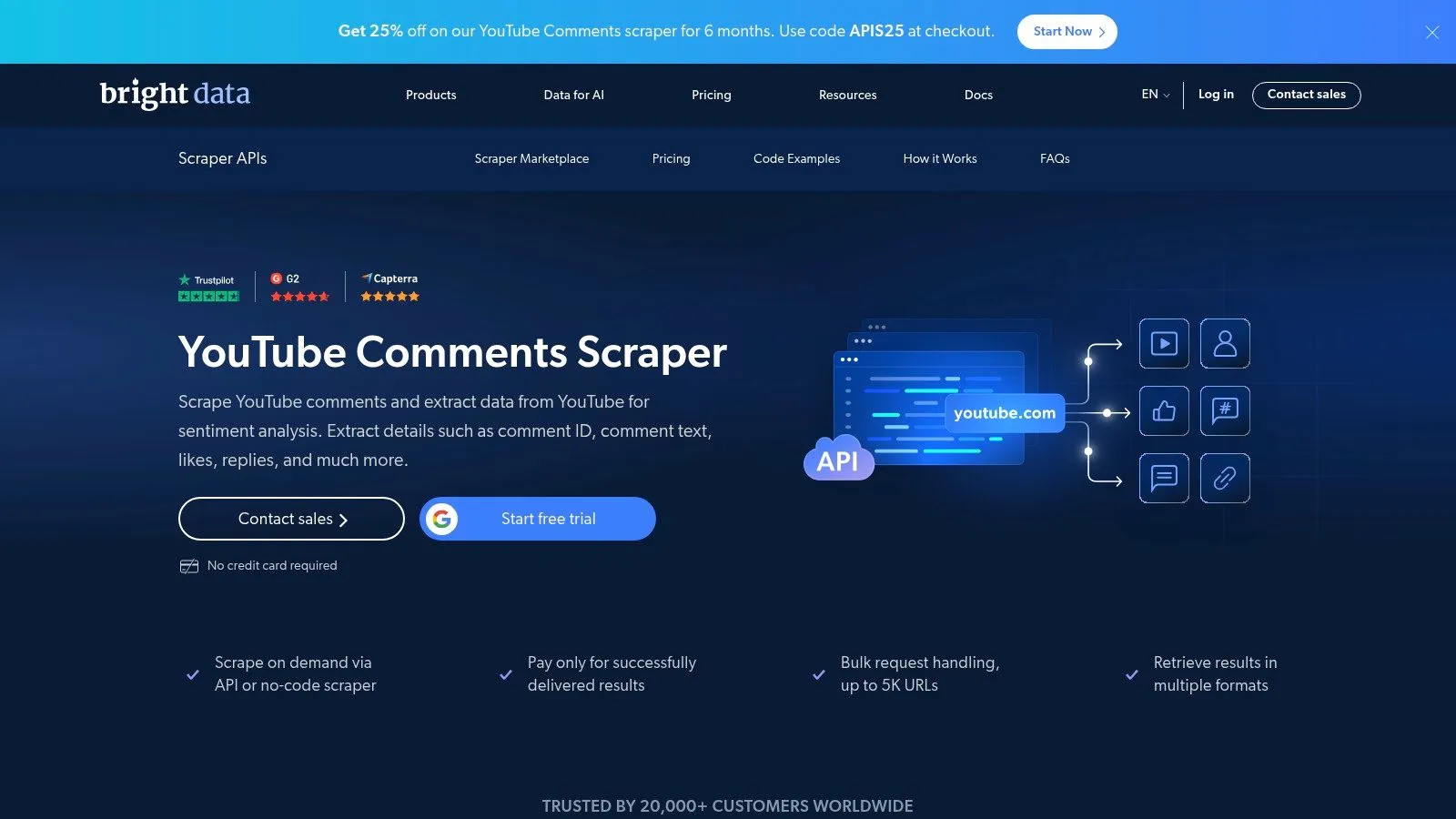
Unlike simpler tools focused purely on YouTube, Bright Data’s strength lies in its robust, generalized back-end infrastructure. It handles complex technical challenges at scale, including managing global proxies. This approach ensures data delivery but can be overkill for creators or marketers whose primary need is analyzing YouTube comments.
Key Details & Use Cases
- Best For: Enterprise-level projects and data science teams requiring large, consistent datasets without maintenance overhead.
- Pricing: Operates on a pay-as-you-go or subscription model. Costs are based on the volume of data extracted (CPM - cost per mille records), so it’s best for well-defined, high-value projects.
- Pros:
- Scalability: Built to handle bulk URL processing and massive data volumes.
- Reliability: Comes with an uptime Service Level Agreement (SLA) and a world-class proxy network.
- Cons:
- High Cost: Can become very expensive for small-scale or casual use compared to more focused YouTube tools.
- Complexity: The enterprise-grade features and pricing can be overwhelming for users who just need to export comments from a few videos.
- Vendor Lock-in: Integrating its API into a long-term data pipeline may create dependency.
Website: brightdata.com
3. Octoparse — YouTube Comments & Replies Scraper (Template)
Octoparse provides a solution for comment extraction through its visual, point-and-click interface. Its pre-built YouTube Comments & Replies Scraper template makes it a possible exportcomments.com alternative for users who want to avoid manual setup. This approach allows users to quickly configure and run tasks to gather both top-level comments and their corresponding replies.
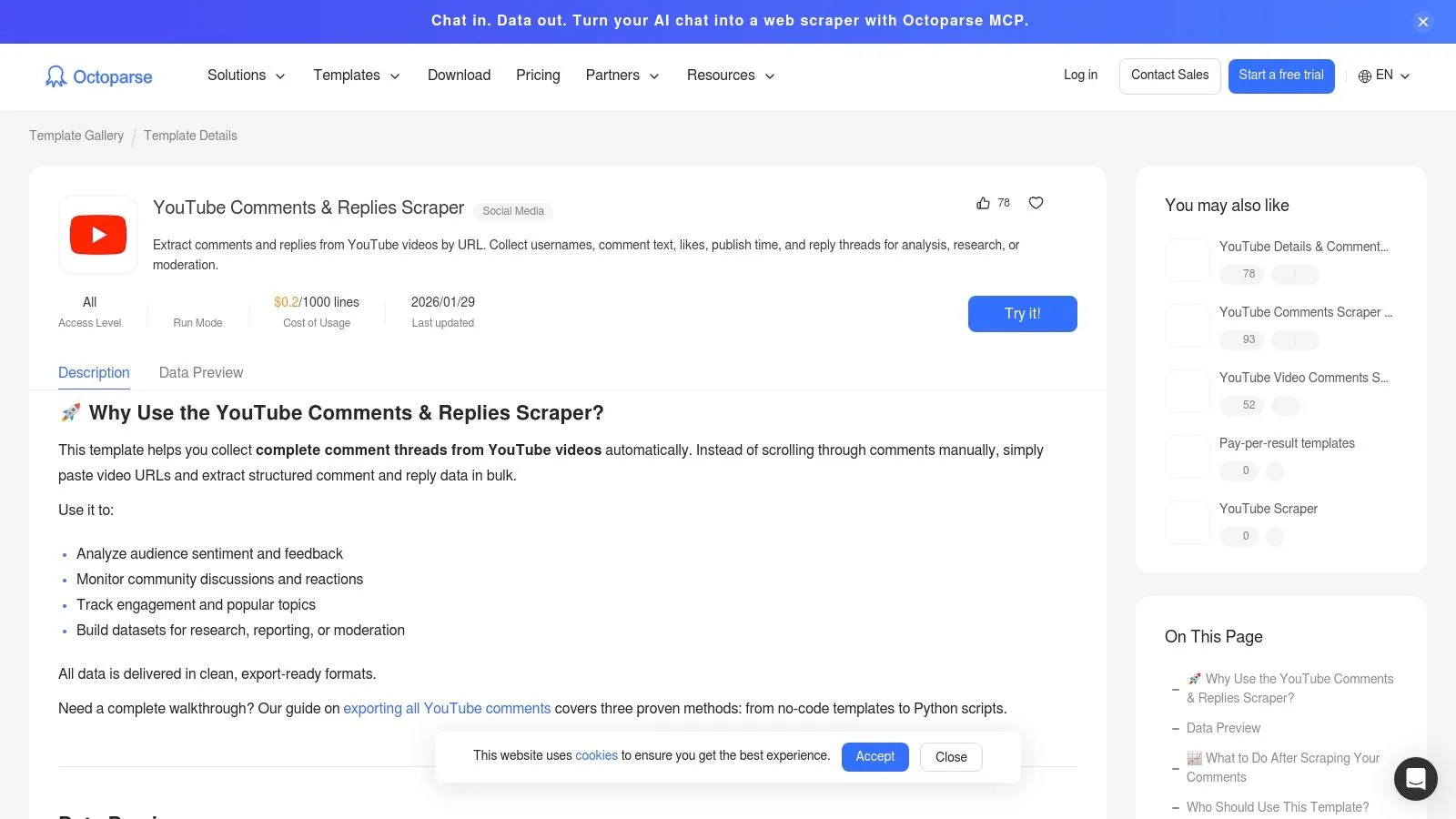
The platform operates as a desktop application with optional cloud execution, simulating a real user browsing YouTube. This method is effective for smaller projects or for users who prefer a visual workflow over API-based tools. It also allows combining data from multiple templates, such as video metadata alongside the comments, providing a richer dataset.
Key Details & Use Cases
- Best For: Non-technical users and small business owners who need a visual tool for moderate-scale comment gathering without writing code.
- Pricing: Offers a free plan with limitations, while paid plans provide more features like cloud extraction. Pricing is subscription-based.
- Pros:
- No Coding Required: The template-driven workflow is intuitive and quick to start.
- Visual Interface: Lets you see the process in action, which can help in troubleshooting.
- Cons:
- Slower Performance: Browser automation is inherently slower than direct API access, making it less suitable for very large-scale or time-sensitive comment analysis tasks.
- Potential Interruptions: CAPTCHAs can occasionally pause a run, sometimes requiring manual intervention.
- Limited Scope: It is not specifically optimized for the nuances of YouTube, such as handling community posts or bulk channel exports efficiently.
Website: https://www.octoparse.com/template/youtube-comments-replies-scraper
4. Apify — YouTube Comments Scraper (Marketplace Actors)
Apify offers a different approach to comment extraction through its marketplace of “Actors,” which are cloud programs designed for specific tasks. This platform serves as a flexible exportcomments.com alternative for teams who need automated, scheduled data collection. Users can choose from multiple pre-built YouTube comment scrapers and integrate them into larger data workflows.
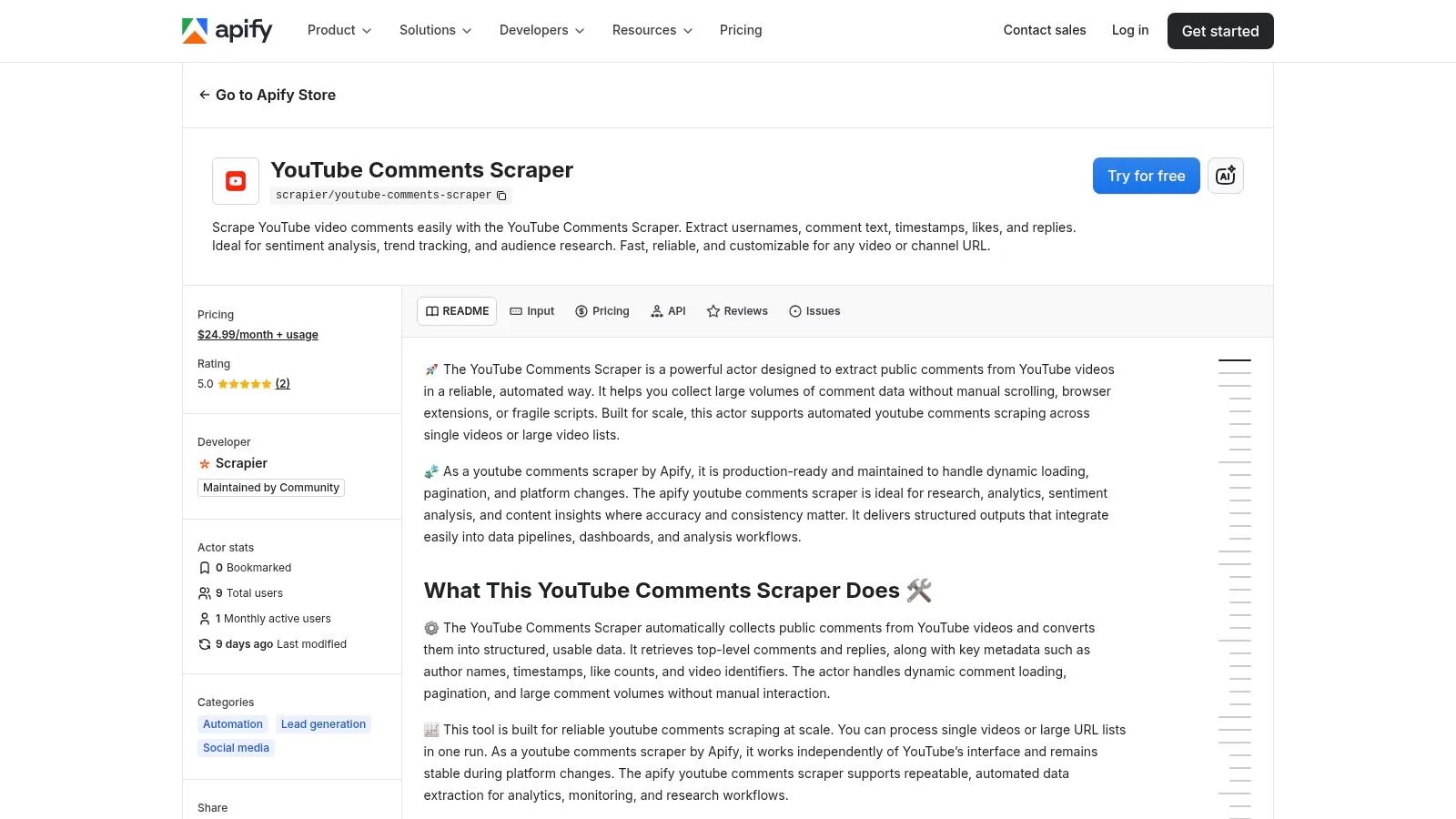
The primary advantage of Apify is its focus on automation and integration. You can schedule Actors to run at regular intervals and automatically push the results to tools like Google Sheets or Airtable. This can be useful for continuous monitoring of brand mentions or tracking sentiment on specific video series over time.
Key Details & Use Cases
- Best For: Development teams and data analysts who want to integrate scheduled YouTube comment scraping into an automated data pipeline.
- Pricing: A usage-based model that combines platform fees with the cost of running an Actor. Costs can be unpredictable and depend on the Actor’s efficiency.
- Pros:
- Automation Focus: Built-in scheduler and integrations make it easy to operationalize comment collection.
- Choice of Tools: The marketplace provides several Actors, offering a choice if one doesn’t meet specific needs.
- Cons:
- Variable Quality: Actor performance and maintenance depend on the third-party publisher, leading to inconsistent results and potential for outdated tools.
- Complex Pricing: The combination of platform and usage fees can be more expensive and harder to predict than a dedicated tool for frequent use.
Website: apify.com/scrapier/youtube-comments-scraper
5. SerpApi — YouTube Video API (comments/replies)
SerpApi provides a developer-focused solution for accessing YouTube comments and replies through a structured API. This platform serves as an exportcomments.com alternative for developers who need to integrate comment data directly into their applications. Instead of requiring users to build their own systems, it offers a predictable JSON output that simplifies retrieving threaded conversations.
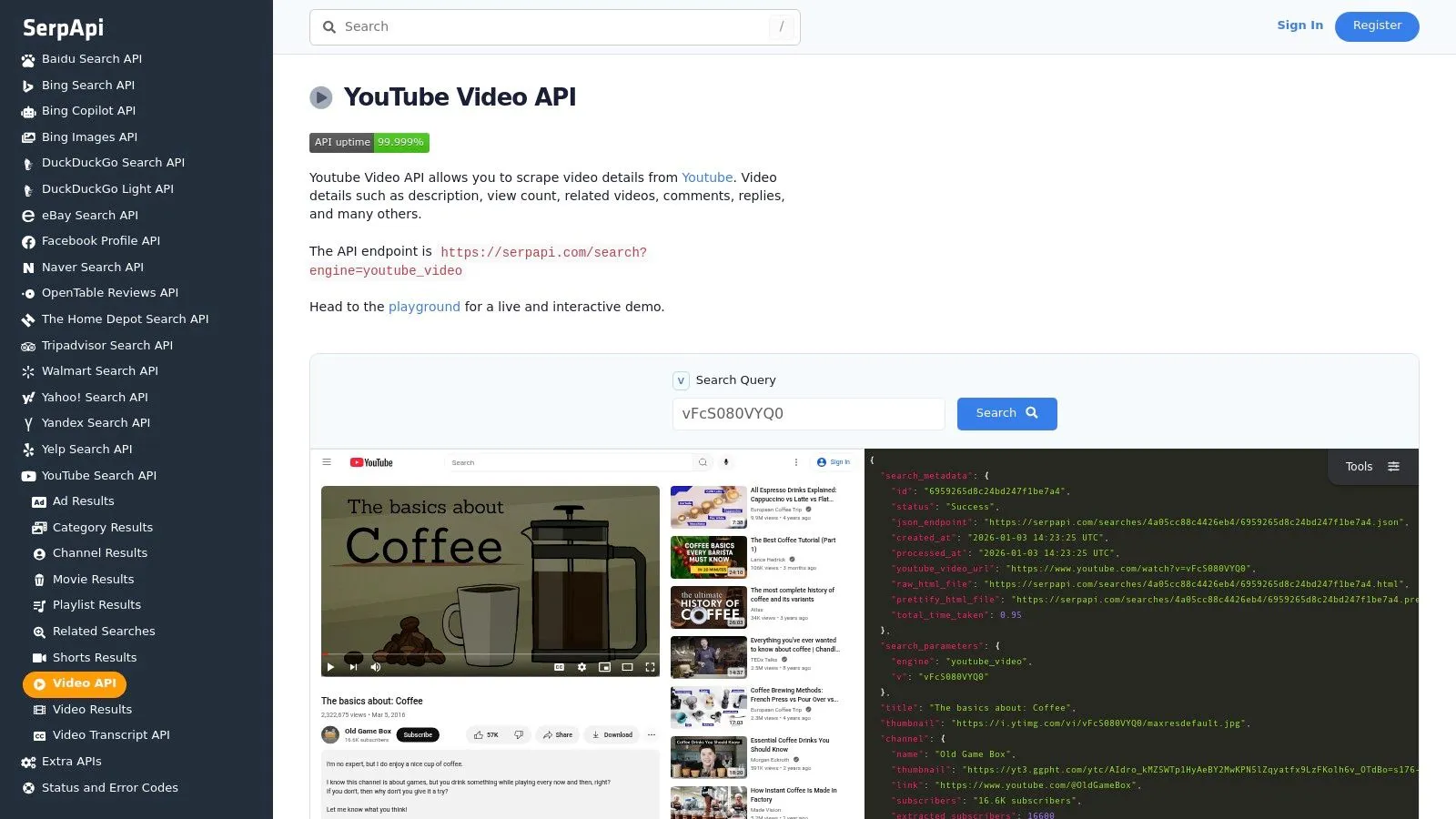
The primary advantage of SerpApi is its simplicity and speed of integration for developers. It handles the complex back-end work, allowing developers to focus on using the data for tasks like customer feedback monitoring or building custom community dashboards. However, it requires programming knowledge and may not be suitable for creators or marketers who need a direct, no-code solution.
Key Details & Use Cases
- Best For: Developers building custom applications and data scientists integrating YouTube comments into automated pipelines.
- Pricing: Follows a credit-based system where each API call consumes credits. Plans range from smaller packages for hobbyists to large enterprise-level subscriptions.
- Pros:
- Fast Integration: Simple JSON output and official SDKs make it easy to get started for coders.
- Handles Complexity: Manages technical hurdles, abstracting away the difficult parts of data extraction.
- Cons:
- Requires Coding: Not accessible for non-technical users who need to analyze comments.
- Cost at Scale: The credit-based model can become costly for projects requiring high volumes of continuous data pulls.
Website: serpapi.com/youtube-video-api
6. YouTube Data API v3 — Official
For developers and organizations prioritizing policy compliance, the official YouTube Data API v3 is the most legitimate exportcomments.com alternative. This method involves using Google’s own endpoints to programmatically fetch public comments and replies. It is the foundation for many third-party tools and is best suited for those with technical expertise who need a reliable and officially sanctioned data source.
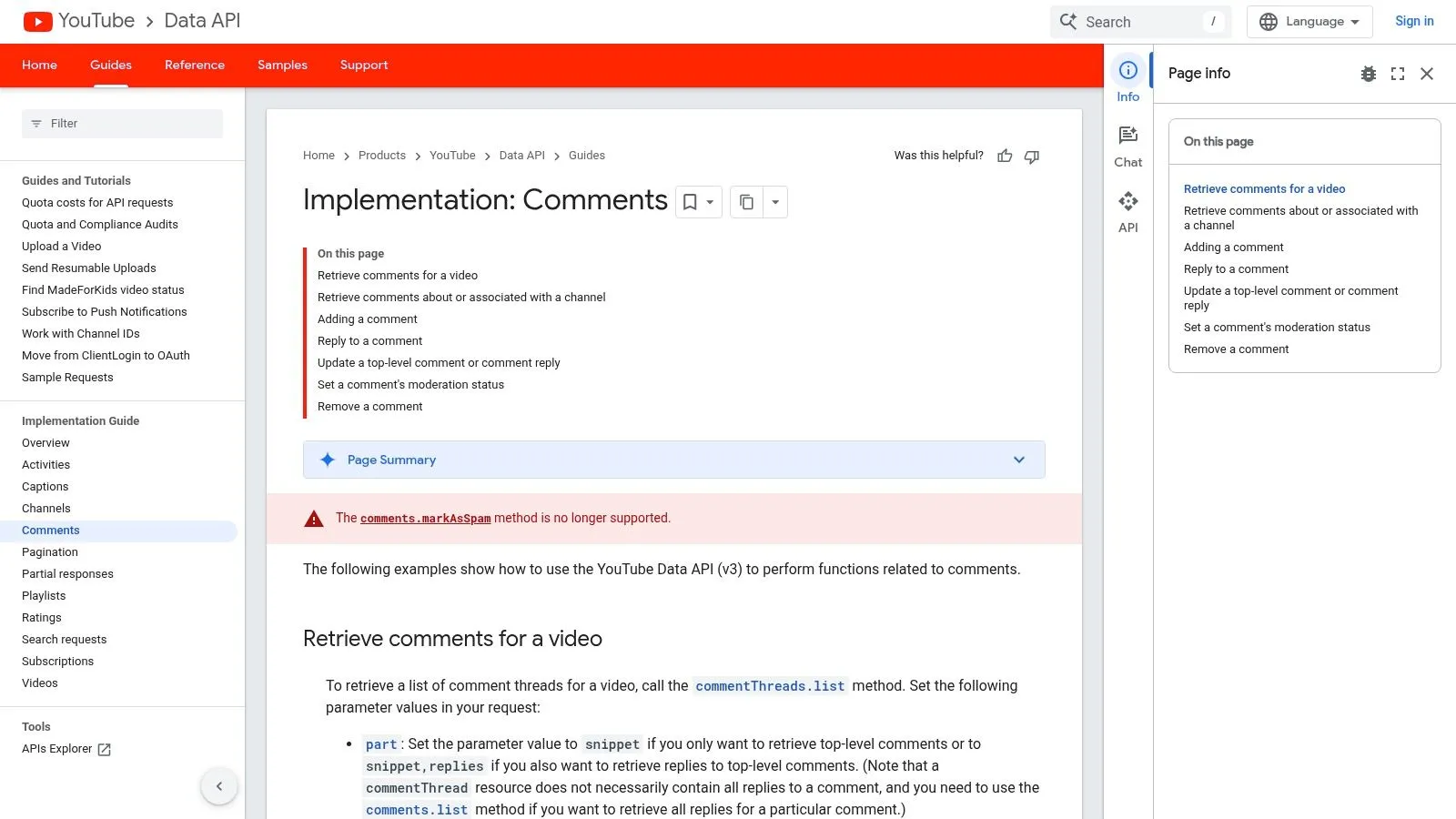
Unlike user-facing applications, the API provides raw JSON data that requires parsing and processing. This approach gives developers maximum control but demands careful management of API keys, quotas, and pagination logic. It is the ideal path for building custom applications or integrating YouTube comment data directly into proprietary analytics dashboards.
Key Details & Use Cases
- Best For: Developers building custom applications and companies requiring strict compliance with YouTube’s terms of service.
- Pricing: Free to use, but operates on a quota system. Each API call consumes units from a daily allowance, which can be a limiting factor for high-volume requests.
- Pros:
- Official and Compliant: The most stable and future-proof method, directly supported by Google.
- Maximum Control: Offers granular control over data requests and integration into custom software.
- Cons:
- High Technical Barrier: Requires programming knowledge, API key setup, and quota management, making it inaccessible for most creators and marketers.
- Strict Rate Limits: Bulk extraction is challenging and requires careful pipeline design to avoid exceeding daily quotas, making it impractical for large-scale analysis.
Website: https://developers.google.com/youtube/v3/guides/implementation/comments
7. yt-dlp (open source CLI)
For developers and technical users, yt-dlp is a command-line tool that serves as a free, scriptable exportcomments.com alternative. This open-source project can fetch YouTube comments and export them directly into a structured JSON file. It is a solution for integrating comment extraction into automated scripts or research data pipelines.
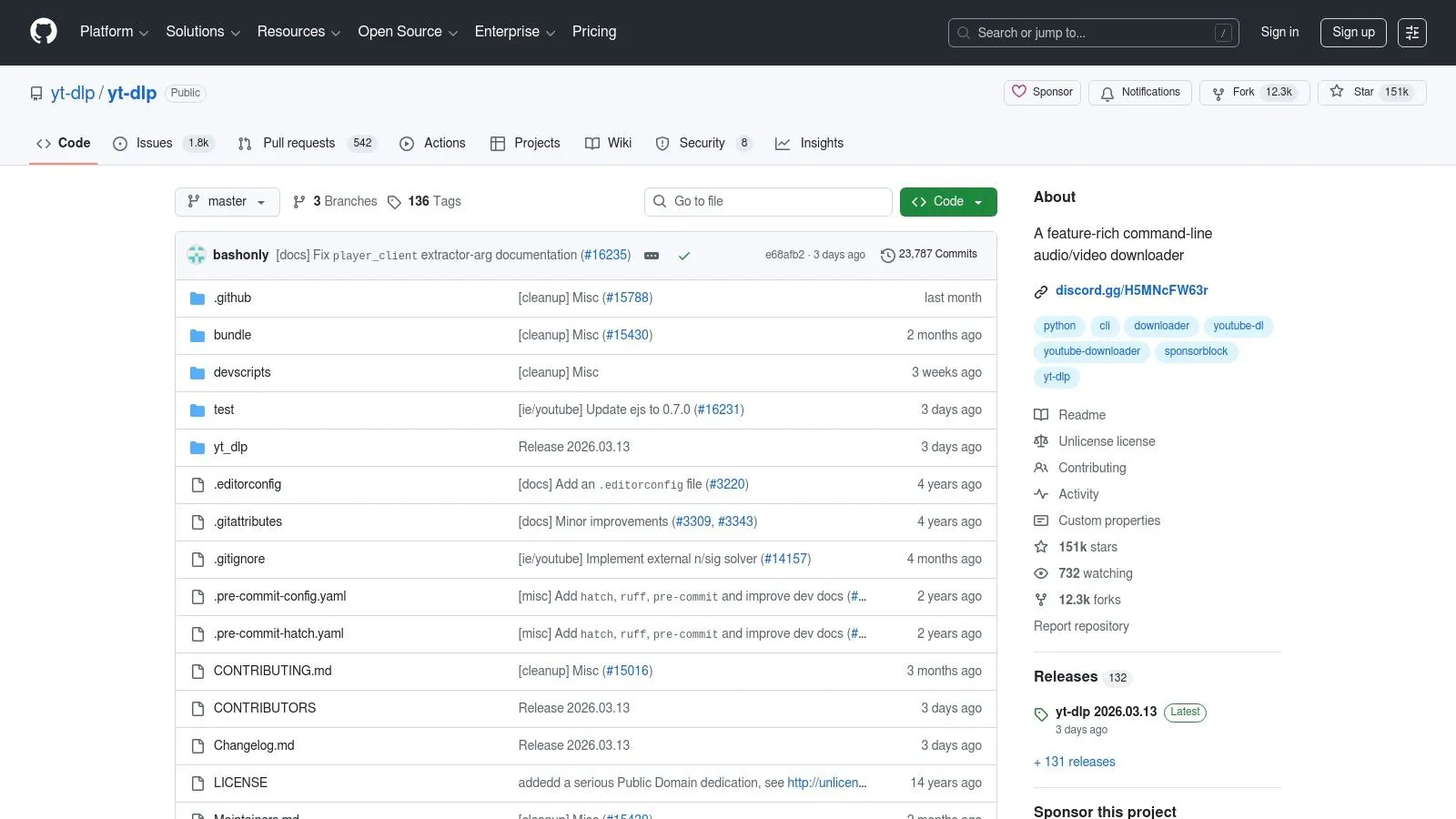
The primary strength of yt-dlp lies in its flexibility for those comfortable with code. It runs on macOS, Windows, and Linux. Unlike user-friendly applications, yt-dlp gives you complete control over the process right from the terminal. This makes it suitable for repetitive data pulls or integration with other data processing tools for technical users.
Key Details & Use Cases
- Best For: Developers and data scientists who are comfortable with the command line and need a free tool for automated batch jobs.
- Pricing: Completely free and open source.
- Pros:
- Cost-Effective: No subscription fees or usage costs.
- Automation-Ready: The CLI is ideal for scripting and embedding into larger data collection workflows.
- Cons:
- Steep Learning Curve: Requires command-line proficiency and lacks a graphical interface, making it unsuitable for most users.
- Maintenance: Can break when YouTube updates its site, requiring users to manually update the tool. Lacks direct export to user-friendly formats like spreadsheets.
Website: github.com/yt-dlp/yt-dlp
8. youtube-comment-downloader (open source Python lib)
For developers and data scientists, the open-source youtube-comment-downloader Python library is a code-centric exportcomments.com alternative. It provides a programmatic method to fetch YouTube comments directly within a Python environment. This makes it useful for embedding into custom data pipelines or Jupyter notebooks where direct scriptable access is paramount.
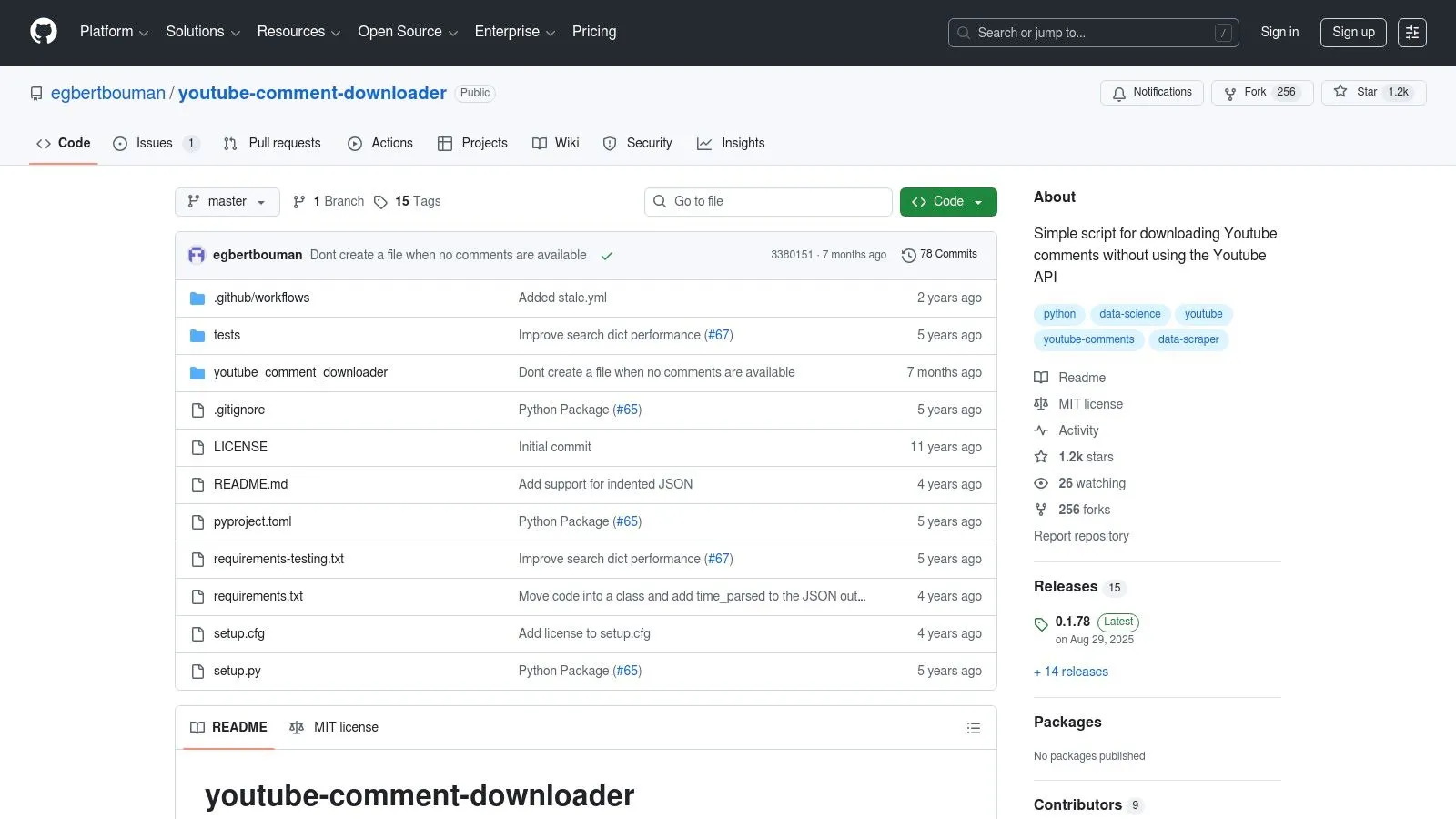
The library’s core strength is its simplicity and transparency for coders. As an open-source tool, its code is fully auditable. It’s designed for users comfortable with the command line or scripting, providing a direct path to exporting data into standard formats for further analysis in academic research or custom data science projects.
Key Details & Use Cases
- Best For: Python developers and academic researchers who need to integrate YouTube comment extraction directly into their existing scripts.
- Pricing: Completely free. As an open-source project, there are no costs, but it also comes without dedicated support.
- Pros:
- Simple Integration: Easily fits into Python-based data stacks for automated data gathering.
- Transparent Codebase: As an open-source tool, its functionality is clear and can be modified if needed.
- Cons:
- Community Maintenance: Relies on community support for updates and may break if YouTube changes its site structure.
- No UI or Features: Lacks a user interface, scheduling, or managed infrastructure, requiring technical expertise to operate and making it impractical for quick analysis.
Website: github.com/egbertbouman/youtube-comment-downloader
9. Bardeen.ai — YouTube Comments to Sheets/Notion (no-code automations)
Bardeen.ai offers a unique approach as an exportcomments.com alternative, focusing on browser-based automation. Its strength is connecting YouTube comments directly to productivity tools like Google Sheets or Notion. This is done through prebuilt automation “playbooks,” making it accessible for non-technical users who want to integrate comment data into existing workflows.
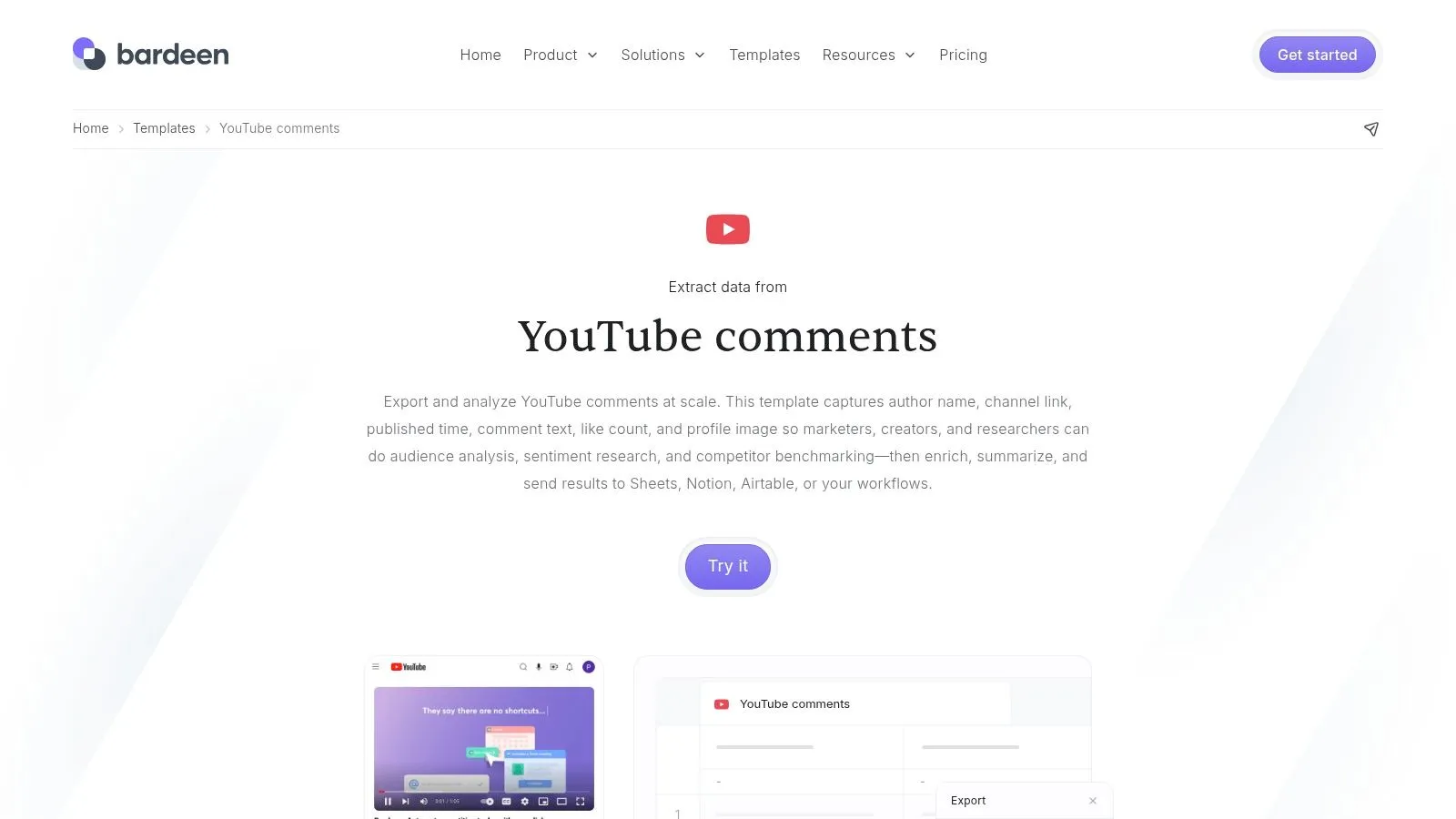
Unlike standalone tools, Bardeen operates within your browser, running automations that pull comments from the active tab. This makes it a choice for light-duty analysis, such as grabbing a few comments for a presentation. For those looking to learn more about the mechanics of moving comments to spreadsheets, a helpful guide on how to export YouTube comments to CSV offers additional context.
Key Details & Use Cases
- Best For: Individuals needing to quickly pipe a small number of YouTube comments into their productivity stack for one-off tasks.
- Pricing: Uses a credit-based freemium model. Free plans have limited credits, while paid plans offer more for running automations.
- Pros:
- Excellent Integrations: Seamlessly sends data to Google Sheets, Notion, Airtable, and other common business applications.
- No-Code Simplicity: Prebuilt templates allow for one-click setup.
- Cons:
- Browser Dependent: The process is tied to your browser session, which is less reliable and slower for large-scale extractions of thousands of comments.
- Severe Volume Limitations: The credit system and browser-based nature make it unsuitable for analyzing comments from popular videos or entire channels.
Website: bardeen.ai
10. Comment Exporter for YouTube — Chrome Extension
For users who need a quick, no-fuss method to pull comments from a single YouTube video page, the Comment Exporter for YouTube Chrome Extension is a simple choice. This tool provides a straightforward, on-page solution for ad-hoc data extractions without dealing with complex software. It integrates directly into your browser, adding an export function to any YouTube video.
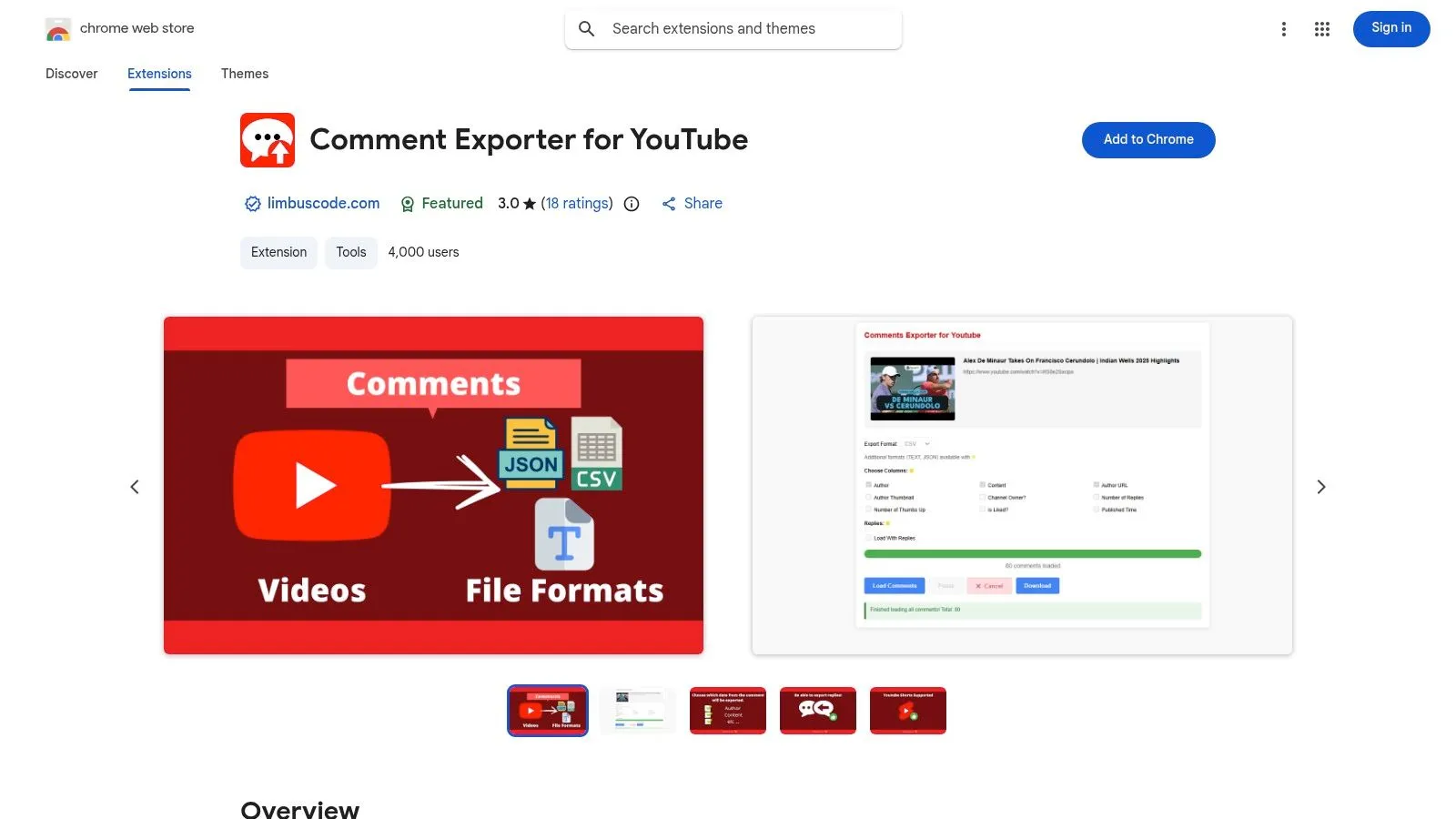
This extension stands out as a lightweight and accessible exportcomments.com alternative. Its main advantage is simplicity; you install it, navigate to a video, and click a button to start exporting. The process runs locally in your browser, making it a fit for one-off tasks like pulling comments for a video response or performing a quick sentiment check.
Key Details & Use Cases
- Best For: Content creators and social media managers needing fast, single-video comment exports without leaving their browser.
- Pricing: Free to install and use from the Chrome Web Store, making it a zero-cost option for basic needs.
- Pros:
- Simplicity: Extremely easy to install and use with zero learning curve.
- Convenience: Exports comments including replies directly from the YouTube page.
- Cons:
- Poor Performance: Since it runs in the browser, extracting comments from videos with long threads can be very slow and may crash the browser. Not suitable for professional use.
- No Bulk Features: It is limited to one video at a time and lacks features for channel-wide analysis.
Website: chromewebstore.google.com/detail/comment-exporter-for-yout/flbjnmpmnemonehebikfcaofhikbgkim
11. Comment Stack by Tabgraf — YouTube Live Chat/Livestream Exporter
Comment Stack by Tabgraf offers a specialized solution as an exportcomments.com alternative for users focused on capturing real-time conversations. This tool is a Chrome extension designed specifically to export YouTube livestream chat, making it useful for post-stream moderation review or research on live audience engagement. Its lightweight, browser-based approach provides a straightforward workflow.
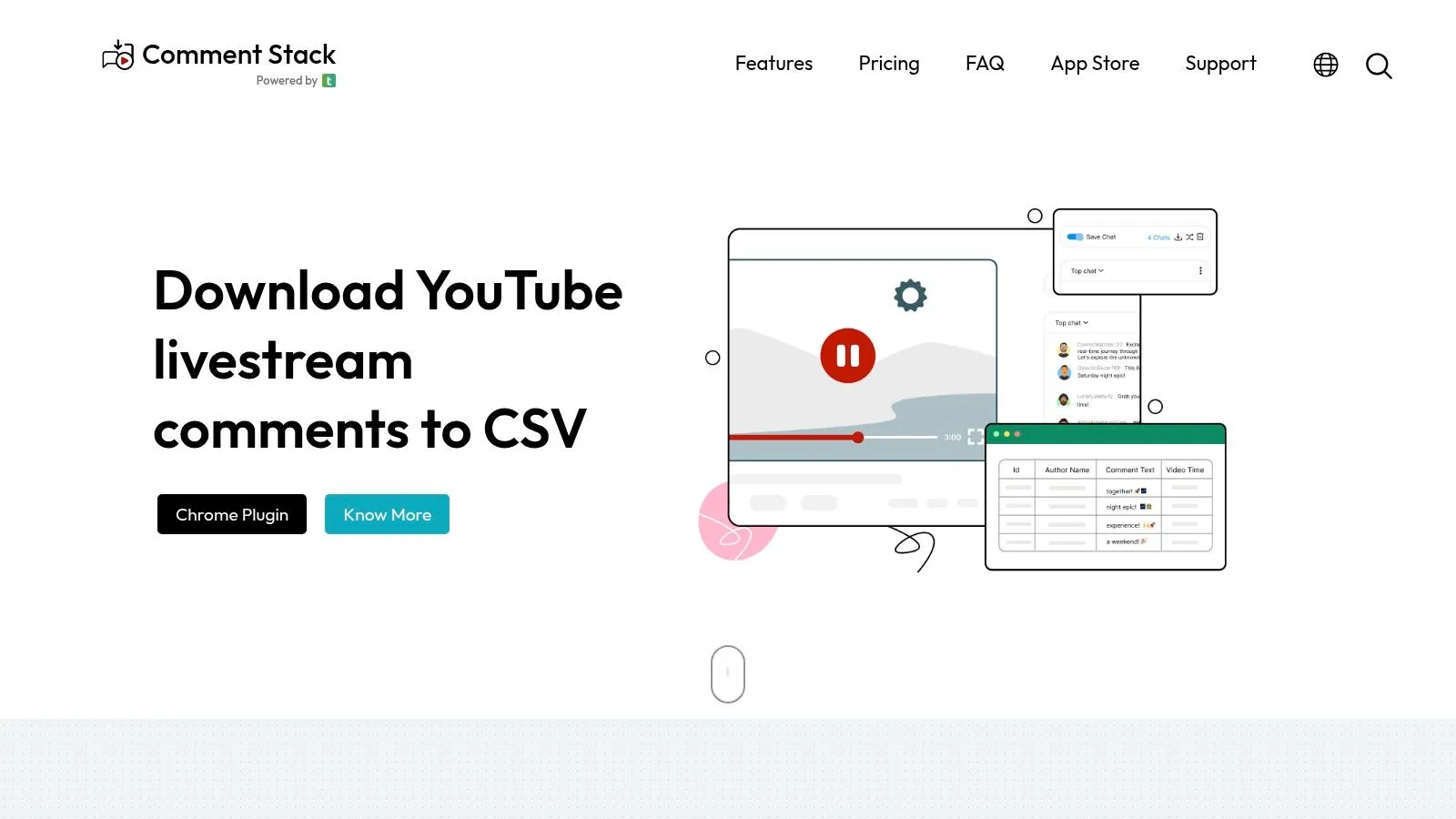
Unlike tools built for static comment threads, Comment Stack’s strength is its ability to grab the fast-moving chat from live events. For those who prefer browser-based solutions, exploring the best Chrome extensions for YouTubers can reveal a range of tools. Comment Stack fits into this ecosystem by providing a direct, install-and-use method for capturing live data.
Key Details & Use Cases
- Best For: Streamers and community managers needing to analyze chat data from live YouTube events or premieres.
- Pricing: The extension’s pricing model is typically based on a one-time purchase or subscription.
- Pros:
- Purpose-Built: Designed exclusively for capturing YouTube livestream chats.
- Simple to Use: As a Chrome extension, it is easy to install and operate directly within the browser.
- Cons:
- Very Niche Focus: Only useful for live chats, making it unsuitable for exporting comments from standard videos, which is the more common need.
- Browser-Based Limitations: Capturing very long streams may require significant computer resources and patience.
Website: tabgraf.com/products/comment-stack
12. Apify Platform - “YouTube Comments Harvester” (Actor)
The Apify Platform offers a specialized “YouTube Comments Harvester” for users who need to automate comment extraction. This tool, an “Actor” on the Apify platform, is an exportcomments.com alternative for those looking to build automated data workflows without a YouTube API key. It works by simulating real user behavior, automating scrolling and parsing comment data.
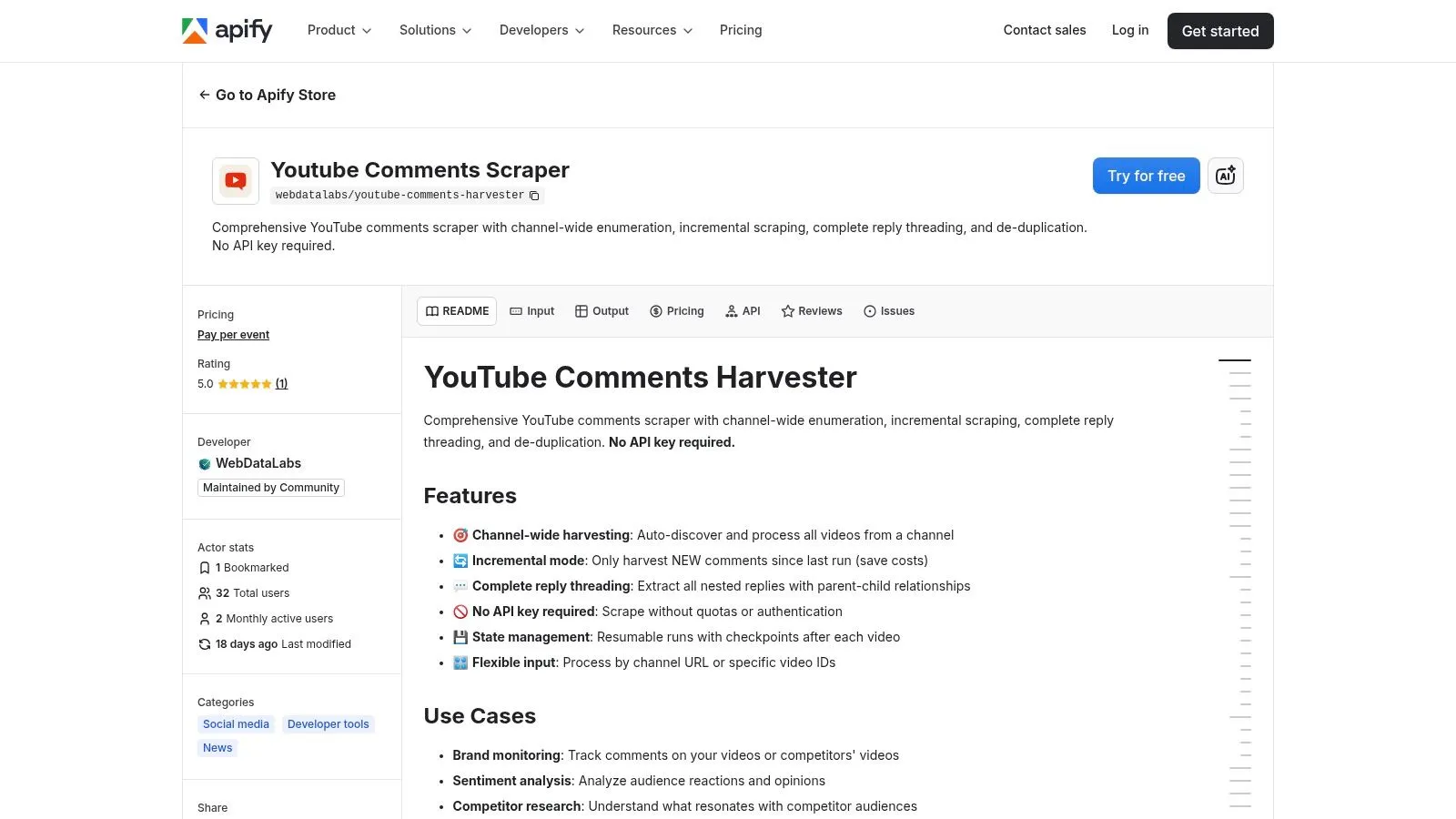
Its main advantage is its ability to bypass YouTube API quota limitations, making it potentially suitable for frequent or scheduled monitoring tasks. With integrations for Zapier and Make, users can connect the harvester to other services. However, this approach introduces complexity and reliability concerns that a dedicated tool avoids.
Key Details & Use Cases
- Best For: Marketers and data analysts attempting to build automated, scheduled comment monitoring workflows without developer resources or API keys.
- Pricing: Apify uses a platform credit system. A free plan is available for small tasks, with paid subscriptions offering more platform credits for larger extractions.
- Pros:
- No API Key Needed: Avoids the complexity and quota constraints of the official YouTube Data API.
- Workflow Automation: Pre-built integrations for tools like Zapier and Make.
- Cons:
- Front-End Dependent: Performance can be affected by changes to YouTube’s website design, making it unreliable for long-term use.
- Variable Speed and Success: Extraction time can vary, and it may fail on videos with many comments, providing an inconsistent experience.
Website: apify.com/webdatalabs/youtube-comments-harvester
12 exportcomments.com Alternatives — Quick Comparison
| Tool | Core features | Best for | Key strengths | Pricing / scale note |
|---|---|---|---|---|
| YouTube Comments Downloader (Recommended) | No‑code bulk extractor; preserves threads & metadata; XLSX/CSV/JSON/HTML/TXT; GPT, API & desktop app | Creators, marketers, journalists, academics, data teams | Extreme speed & scale (queue‑free); AI‑ready exports; typo‑tolerant search; responsive support | Free starter credits; pay‑as‑you‑go or subscription; 1 credit/comment; lifetime desktop license available |
| Bright Data — YouTube Comments Scraper | Managed REST API & control panel; proxy/anti‑bot infra; bulk exports | Enterprises needing turnkey, reliable scraping | Enterprise proxies, SLAs, global IP coverage; reduced maintenance | Enterprise pricing; can be costly at high volume |
| Octoparse — YouTube Comments & Replies (Template) | Point‑and‑click templates; desktop/cloud runs; Excel/CSV/JSON exports | Non‑technical users who want fast templates | Ready templates; cloud execution; configurable limits per run | Freemium/paid plans; browser automation slower; CAPTCHAs possible |
| Apify — Marketplace Actors (YouTube comments) | Multiple maintained Actors; scheduler; push to Sheets/Airtable; integrations | Teams wanting serverless jobs without owning infra | Multiple actor choices; easy scheduling & integrations | Usage + platform fees; actor quality varies |
| SerpApi — YouTube Video API | Commercial API returning comments & replies with pagination tokens; SDKs | Developers who want simple JSON integration | Handles rendering & pagination complexity; quick to integrate | Paid API; may be expensive at scale |
| YouTube Data API v3 — Official | Official commentThreads & comments endpoints; moderation; stable schema | Organizations prioritizing compliance and long‑term support | Official, documented & future‑proof; clear quotas | Quota‑governed (free limits then quotas); strict rate limits |
| yt-dlp (open source CLI) | CLI fetches comments as JSON; scriptable across OS | Engineers wanting free, automatable tooling | Free, flexible, great for automation & batch scripts | Free OSS; may break after front‑end changes; CLI learning curve |
| youtube-comment-downloader (Python lib) | Lightweight Python library; CSV/JSON exports; easy to embed | Researchers and Python data stacks | Simple integration in notebooks/ETL; transparent codebase | Free OSS; limited product features; community‑maintained |
| Bardeen.ai — YouTube Comments to Sheets/Notion | Browser automation template; one‑click export to Sheets/Notion/Airtable; AI summarization | Non‑technical teams building lightweight workflows | Fast exports to productivity tools; optional in‑flow AI | Freemium/paid tiers; session/browser dependent; not ideal for very high volume |
| Comment Exporter for YouTube — Chrome Extension | Chrome extension exports CSV/JSON/TXT; selectable columns; pause/resume | Creators, journalists for ad‑hoc, on‑page pulls | Extremely simple; no servers or coding required | Usually free or low cost; Chrome‑only; slower on very long threads |
| Comment Stack by Tabgraf — Live Chat/Livestream Exporter | Real‑time livestream chat capture; CSV/Excel export | Event coverage, moderation, live‑chat researchers | Purpose‑built for live chats; easy to deploy | Paid/extension model; browser‑based; not for historical bulk exports |
| Apify Platform — “YouTube Comments Harvester” Actor | Playwright scrolling, extracts ytInitialData; preserves parent‑child threads; integrations | Teams avoiding API quotas and scheduling browser jobs | Avoids YouTube API quotas; integrates with workflows (n8n, Zapier) | Platform usage fees; performance varies; susceptible to front‑end changes |
Choosing the Right Tool for Your YouTube Research
Navigating the diverse landscape of comment export tools can feel complex, but the journey ends with a simple truth: the best exportcomments.com alternative is the one that directly supports your specific goals. You have seen a wide range of options, from highly technical command-line interfaces to simple browser extensions, each with its own set of strengths and limitations. The key is to match the tool’s capabilities with your project’s demands, your technical skill, and your budget.
Open-source solutions like yt-dlp and the official YouTube Data API offer unparalleled control for developers. However, this power comes at the cost of time and a steep learning curve, making them impractical for marketers or researchers who need to find audience insights quickly. On the other end, no-code automation platforms and browser extensions provide quick solutions for small tasks but often fall short when faced with thousands of comments or the need for bulk exports. They prioritize convenience over the depth and scale required for meaningful analysis.
Finding Your Fit: From Complexity to Clarity
Your choice ultimately hinges on a trade-off between power, speed, and usability.
- For maximum control and customization: Technical users with coding skills will find the most flexibility with the official YouTube Data API or open-source libraries. However, this path is impractical for most professionals due to the significant time investment required.
- For simple, infrequent extractions: A browser extension like Comment Exporter for YouTube can be a sufficient starting point for very small-scale, casual needs.
- For enterprise-level data needs: Agencies requiring massive data pipelines might consider platforms like Bright Data or Apify, but this often involves high costs and complexity that goes far beyond just analyzing YouTube comments.
This analysis reveals a significant gap in the market. Many professionals, from YouTube creators and social media managers to academic researchers and data analysts, need a tool that combines the power of a developer-focused solution with the simplicity of a no-code platform. They require speed, scale, and data integrity without the technical overhead.
This is precisely where a dedicated, purpose-built tool shines. YouTube Comments Downloader was designed to fill this gap, offering a focused solution that prioritizes efficiency and actionable results. By preserving complete comment threads, offering analysis-ready formats like a ChatGPT-optimized TXT file, and processing videos in bulk at high speed, it removes the friction associated with data collection. It provides the robust functionality needed for deep analysis, such as identifying video ideas from viewer suggestions or gauging reaction to a new content format, while maintaining a straightforward experience. It stands as a powerful exportcomments.com alternative by specializing exclusively in the nuances of YouTube’s comment ecosystem, allowing you to focus your energy on finding insights, not wrestling with software.
Ready to stop struggling with complicated tools and start analyzing your YouTube comments in minutes? YouTube Comments Downloader offers the most efficient path from raw comments to actionable insights. As the leading dedicated exportcomments.com alternative, it provides the speed, depth, and ease-of-use you need to unlock the value in your community’s feedback.